

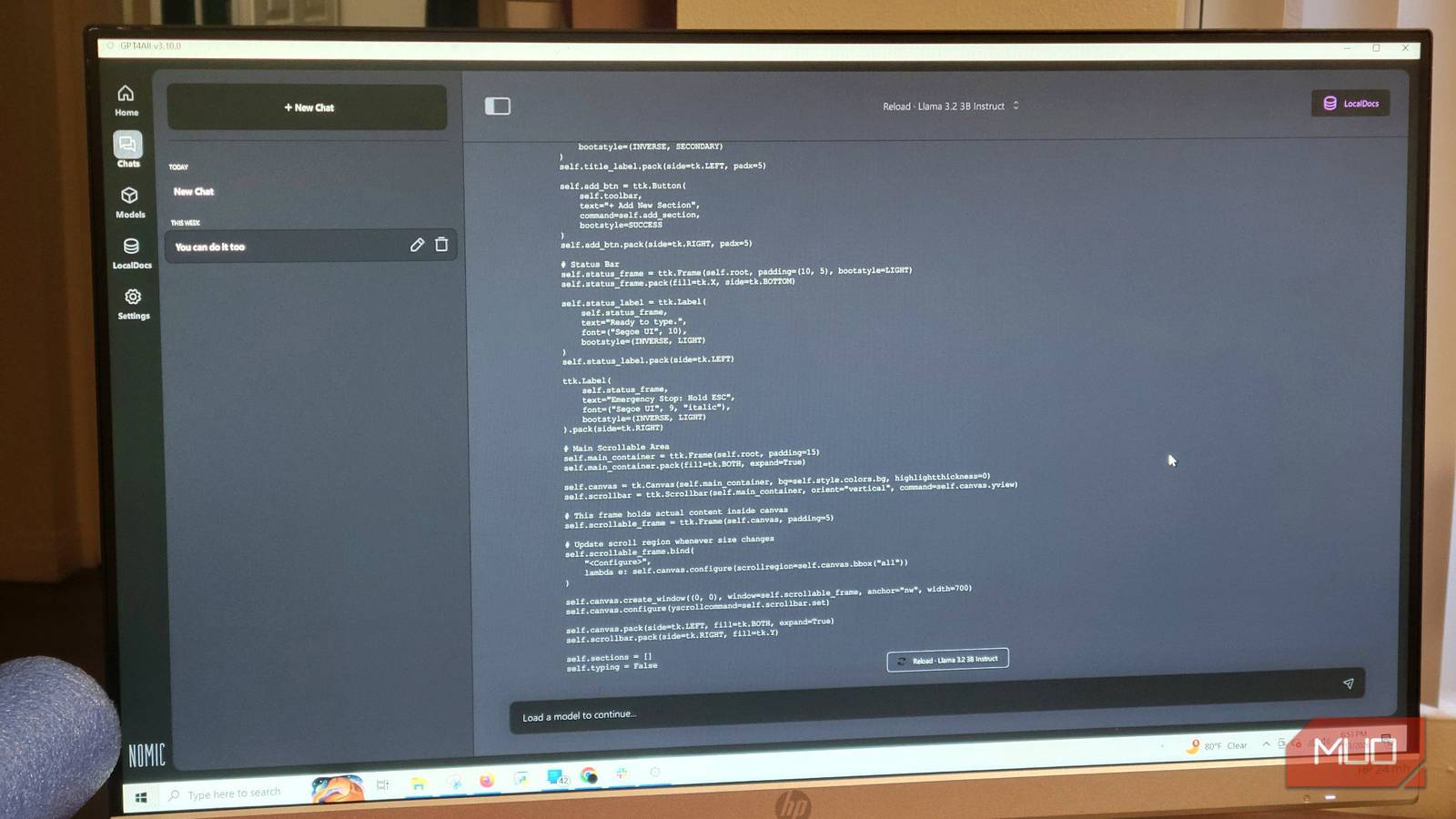
AI coding tools are genuinely useful, but the subscriptions stack up fast. If you're running more than one at a time, you're spending serious money on tools you might not even use every day. Running models locally cuts all of that out once the hardware is paid for, and you'd be wrong if you thought local LLMs weren't good enough—you're not really giving up much to make the switch.
Premium AI tools are great until the bills start hitting
Subscriptions for coding assistants are a heavy monthly tax that adds up quickly
Premium AI tools changed how people write code, but the costs add up fast. Services like Gemini, Claude, and ChatGPT Plus each run around $20 a month, and if you're using more than one, that's a noticeable chunk of your budget disappearing every month. Cloud services also charge by the million tokens, so if you experiment a lot or run long sessions, the bills get out of hand quickly.
After a while, I got tired of watching those charges stack up for tools I wasn't even using every day. That's when I started thinking about running local models instead. Once you own the hardware, there are no token fees, no monthly bills, and no usage limits.
It is possible to spend a bit upfront on a decent machine, but you actually don't have to. I use a $200 machine, and it ended up paying for itself faster than most people expect. I've saved a good amount in the past year just by switching away from subscriptions I was paying for out of habit.
I don't pay for AI tools because local AI has also caught up to the point where you aren't really sacrificing quality anymore. Tools like Ollama and LM Studio make it straightforward to manage and run models on your own computer.
The open-source community has put out models like Qwen3-Coder and Llama 3 that handle complex reasoning and code analysis well enough to replace most of what I was paying for. Your data stays on your hardware, nothing goes to a cloud server, and you aren't stuck if a company changes its pricing or kills a feature you need.
You would save and gain a lot more than you'd think
All these subscriptions are gone
Running a local model saves you money faster than most people expect. The most obvious starting point is replacing a general-purpose chatbot like ChatGPT Plus and Claude, which run $20 a month each.
Tools like LM Studio, Ollama, or GPT4All all let you run capable open-source models like Llama 3, Mistral, or Qwen on your own hardware for free. That one swap puts $480 back in my pocket every year, and that's before I started replacing the more expensive niche tools. I used a spare computer as a server to run heavier models, so it actually cost nothing.
Writing assistants like Grammarly are where the costs quickly get out of hand. Grammarly tries too hard to push its Premium, and the AI usually makes the adjustments feel inauthentic. Grammarly charges about $144 a year, and I was glad to get rid of it.
I constantly struggled with random internet connection issues that only happened due to their servers. You can replace all of that by running a small local model like Microsoft's Phi-3.5 Mini or Meta's Llama 3.2 directly on your desktop.
Since everything runs locally, you can iterate on the same paragraph as many times as you want without hitting a limit or paying for another month. All the while, you get the grammar checks you actually want. Grammarly has gone downhill recently, and now that it has free competition, there's no reason to keep it.
Best of all, when your editor asks for code suggestions or file analysis, the request never leaves your machine. There are no usage caps, and I am not waiting for a company to decide what features I get access to at which price tier. Since it needs my personal information for this kind of work, I'd always rather use my own system. GPT4All might lack some advanced features for big teams, but its interface and local API make it the perfect way to see if this is for you.
Qwen and GPT4All are all you need
You can link local models to your code editor with a few clicks
You don't need a computer science degree to use AI locally. I chose GPT4All because it comes with a user-friendly interface and isn't as restrictive as LM Studio. You can download the software and search for a model to start the setup. First, download GPT4All and go to the Model Hub where you can explore and download open-source models inside the program. I used this to find the Qwen2.5-Coder-3B model.
You can find this model in the GPT4All library. You don't need to manage files manually since you just click download for the version that fits your system. Qwen is a capable family of models, and the 3B version is small enough to load fast while remaining smart.
Once it's downloaded, just pick it from your model list. If your computer isn't the strongest, you should turn everything else off. You'll notice things get slow, which is why I set up a personal server. I'd rather dedicate an extra PC to it than deal with the lag on my main machine. After you load your model in a chat, go to the settings and then pick Model.
Scroll down until you see Max Length. Change this to '4096,' or higher if your PC can handle giving up more RAM.
Save some money and use your equipment to the limit
The upfront cost of switching to local models is lower than most people expect, and the monthly savings show up immediately. You're not dealing with usage limits, pricing changes, or your data being sent somewhere you can't control. GPT4All is a reasonable starting point if you want to test this without committing to anything complicated. Once you have a model running locally and connected to your code editor, it's hard to justify going back to paying for the same thing every month.
Beyond the financial savings, there are significant privacy advantages. When you use cloud-based AI services, your code, writing, and personal files are processed on remote servers. Even with privacy policies, you have no guarantee that your data isn't being logged or used to train future models. Local LLMs eliminate that risk entirely. Every query stays within your machine, making them ideal for sensitive projects or proprietary code.
The open-source ecosystem is growing rapidly, with new models released almost weekly. For coding, Qwen3-Coder and CodeLlama have become strong competitors to GitHub Copilot. For general writing, models like Mistral and Gemma offer comparable quality to ChatGPT. There are even specialized models for summarization, data extraction, and database querying. The diversity allows you to pick the perfect tool for each task without paying extra.
Setting up a dedicated server, even a low-end machine, can boost performance. I repurposed an old desktop with a GTX 1060 and 16GB of RAM. After installing Ubuntu and Docker, I loaded Ollama with multiple models. Now I can run Qwen for coding, Phi-3 for fast chat, and Llama for long-form analysis—all simultaneously and all free. The initial investment was under $200, and it paid for itself in four months of saved subscriptions.
For those not ready to build a server, tools like LM Studio and GPT4All allow running models directly on a laptop. They support GPU acceleration, so even integrated graphics can handle smaller models. The key is to choose quantized versions (e.g., 4-bit or 8-bit) that reduce memory usage without sacrificing too much accuracy. Models like Qwen2.5-Coder-1.5B run comfortably on 8GB RAM laptops.
The integration with editors is seamless. GPT4All provides a local API that works with VS Code extensions like Continue.dev. You point the extension to your local endpoint, and code autocompletion and chat work similarly to Copilot. No internet needed, no monthly bill. I've been using this setup for six months and haven't missed any cloud AI features. The latency is slightly higher for larger models, but for most tasks it's imperceptible.
Another advantage is the ability to fine-tune models with your own data. Open-source models can be customized using LoRA adapters to excel at specific tasks, like reviewing your writing style or understanding your codebase. This is impossible with closed subscription services. The open ecosystem gives you full control.
If you're concerned about missing out on the latest models, don't be. The community quickly releases open versions of new architectures. For example, after Meta released Llama 3, within days we had quantized versions for local use. The gap between open-source and proprietary models is closing with each release. For most practical tasks, local models are already competitive.
The switch requires an initial time investment, but the payoff is quick. You learn about model quantization, inference parameters, and hardware optimization—skills that are valuable in a world increasingly dependent on AI. And you save hundreds of dollars annually. For anyone using AI regularly, it's not a matter of if you should try local models, but when.
Source: MakeUseOf News