

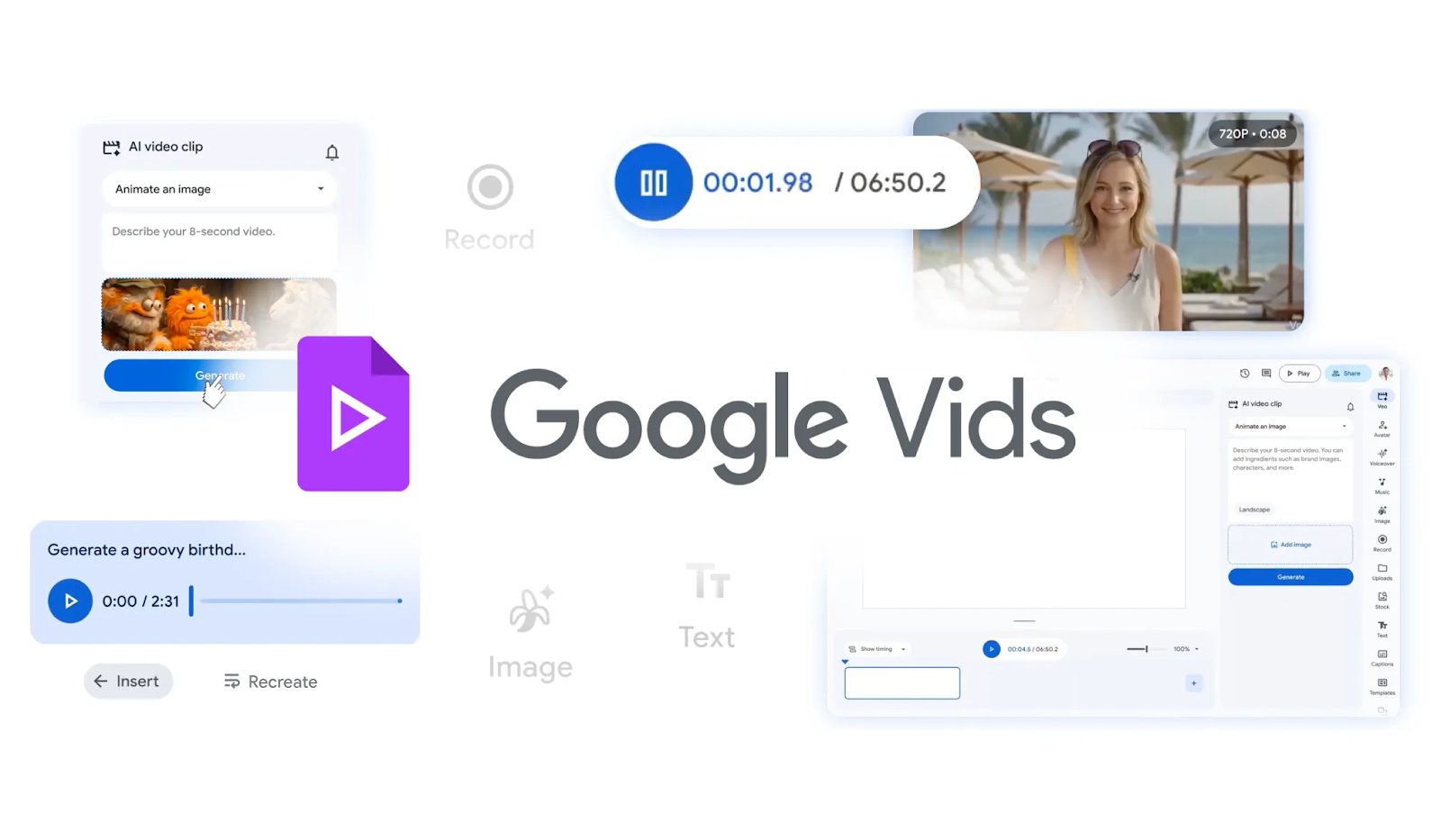
Google is revolutionizing the video creation landscape with significant advancements in Google Vids, its AI-powered video editing tool. The latest update introduces features that allow users to create engaging content with just a few simple text prompts.
With the new capabilities, users can direct AI avatars to perform tasks, customize their appearance, and publish videos more rapidly than ever before. What previously required extensive editing skills and multiple tools can now be accomplished in a single workspace, making video creation as straightforward as working in Google Docs or Slides.
What is Google Vids?
Google Vids is a timeline-based video editing tool integrated into the Google Workspace suite, powered by Gemini AI. Announced in 2024 and gradually rolled out through 2025, Google Vids aims to streamline video editing and production. The platform combines scripting, scene generation, and editing within a collaborative environment, enhancing the user experience.
Since its launch, Google has continuously expanded the capabilities of Vids, incorporating frequent updates that introduce new AI-driven features. These enhancements blur the lines between traditional editing and prompt-based creation, transforming Google Vids from a basic editor into a comprehensive AI-assisted production studio.
Directing and Customizing AI Avatars
One of the standout features in the latest update is the ability to direct AI avatars using simple text prompts. Users can place avatars in specific scenes and have them interact with objects like props or products, set against customizable backdrops. This innovation makes it easier to produce engaging tutorials and unique social media content, bringing creative projects to life.
Moreover, users can now personalize their avatars further by altering their clothing, accessories, and more, while maintaining the avatars' original voice and aesthetic. It’s important to note that these features are accessible only to users with Google AI Pro or Ultra subscriptions.
YouTube Integration: Recording and Sharing Videos
The update to Google Vids also facilitates video recording and sharing. Users can download the Google Vids Screen Recorder Chrome extension to capture their screens effortlessly. Additionally, the platform now allows users to publish videos directly to YouTube, with all uploads automatically marked as Private, enabling complete control over sharing.
Adding Custom Music
Another exciting feature is the ability to add AI-generated music to videos. Subscribers using Lyria 3 or Lyria 3 Pro can create songs of up to three minutes in length and incorporate them into their projects without leaving the Vids platform. This feature enhances the creative possibilities for users, allowing for a more dynamic viewing experience.
Improving Video Generation
Google has also updated its video generation model to support Veo 3.1. Users with personal Google accounts can generate up to 10 free videos per month, while those holding AI Ultra subscriptions can produce an impressive 1,000 videos monthly. This flexibility caters to various user needs, from casual creators to professional content producers.
Exploring the Many Features of Google Vids
With regular updates and new features being added, Google Vids is rapidly becoming a formidable competitor in the video editing space, rivaling established tools like Canva and CapCut. While the platform provides a limited set of features for free, its full potential is unlocked through paid subscription tiers, where users can truly utilize its AI-powered capabilities.
As Google continues to invest in Vids and broaden its feature set, the tool is not just another video editor but a glimpse into the future of content creation, promising a more streamlined and AI-driven experience for all users.
In other news from Google: For insights into how Google’s quantum advancements could reshape cybersecurity and challenge modern encryption, be sure to explore the implications of the growing crypto security threat.
Source: TechRepublic News